Hour of AI

Their first hour as AI creators

In one class period, students direct AI to build something real, question what it makes, and make it their own, safely inside Imagi. No coding experience needed, for you or your students.

.

HOUR OF AI: claim your free credits from November 16

Hour of AI 2026

One hour. Every student walks out with a tool, app or website they built with AI.

Real student projects

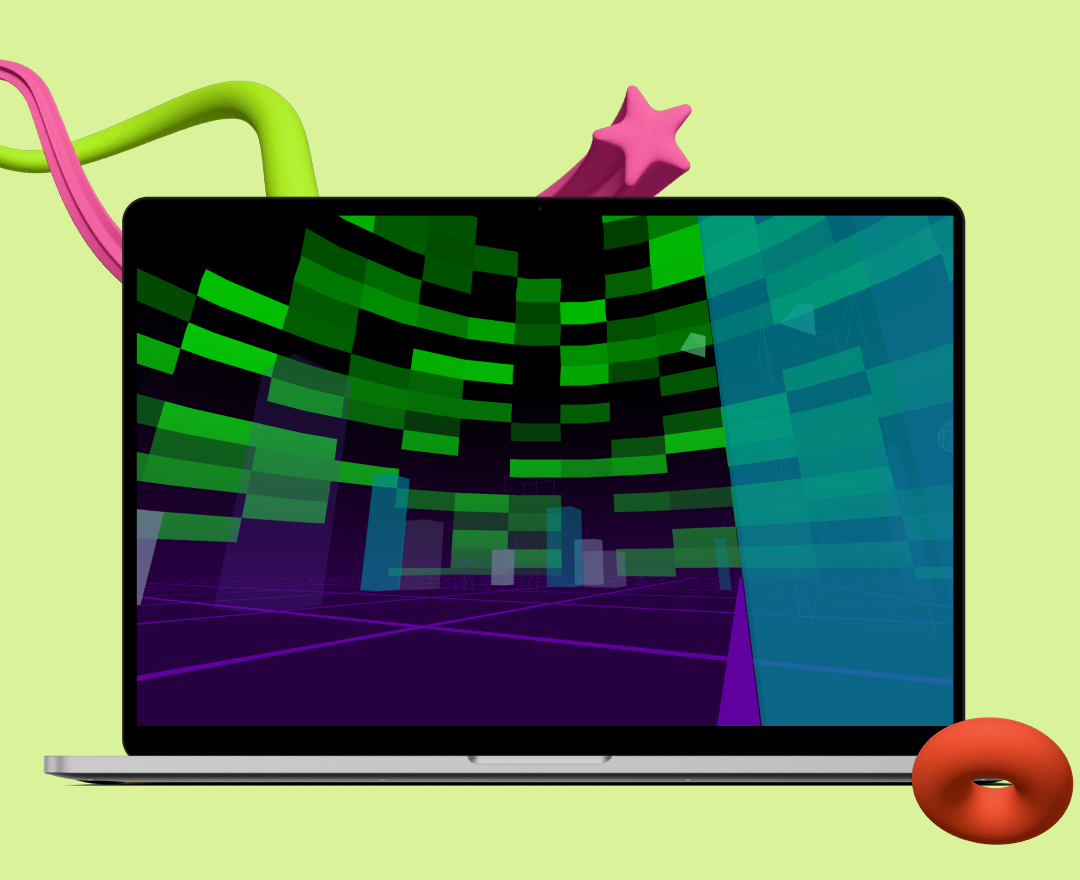
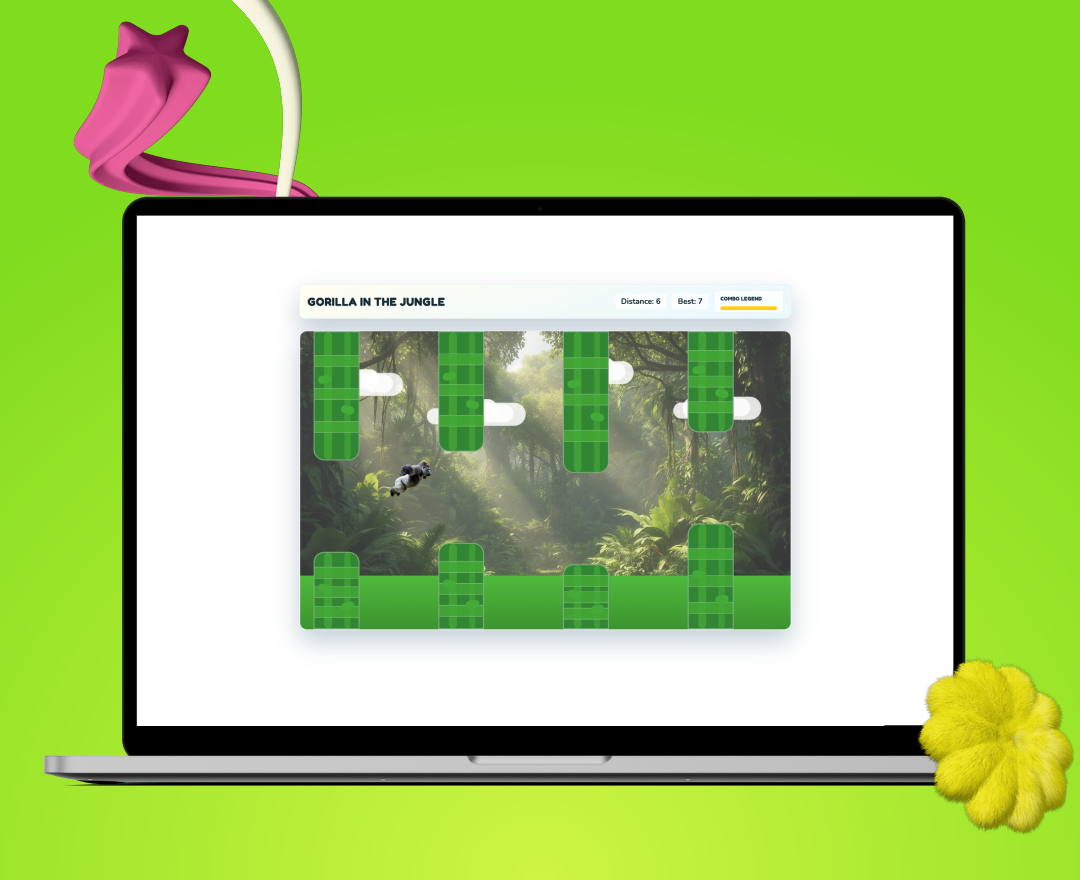
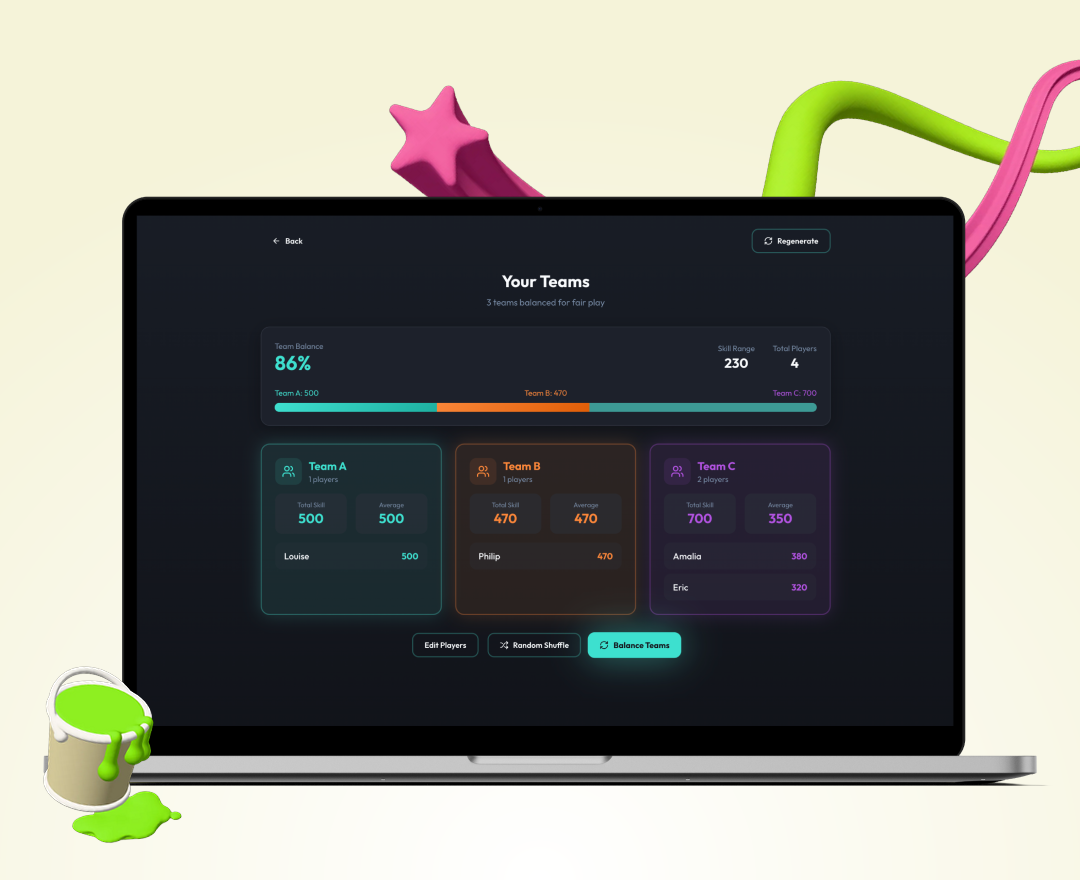
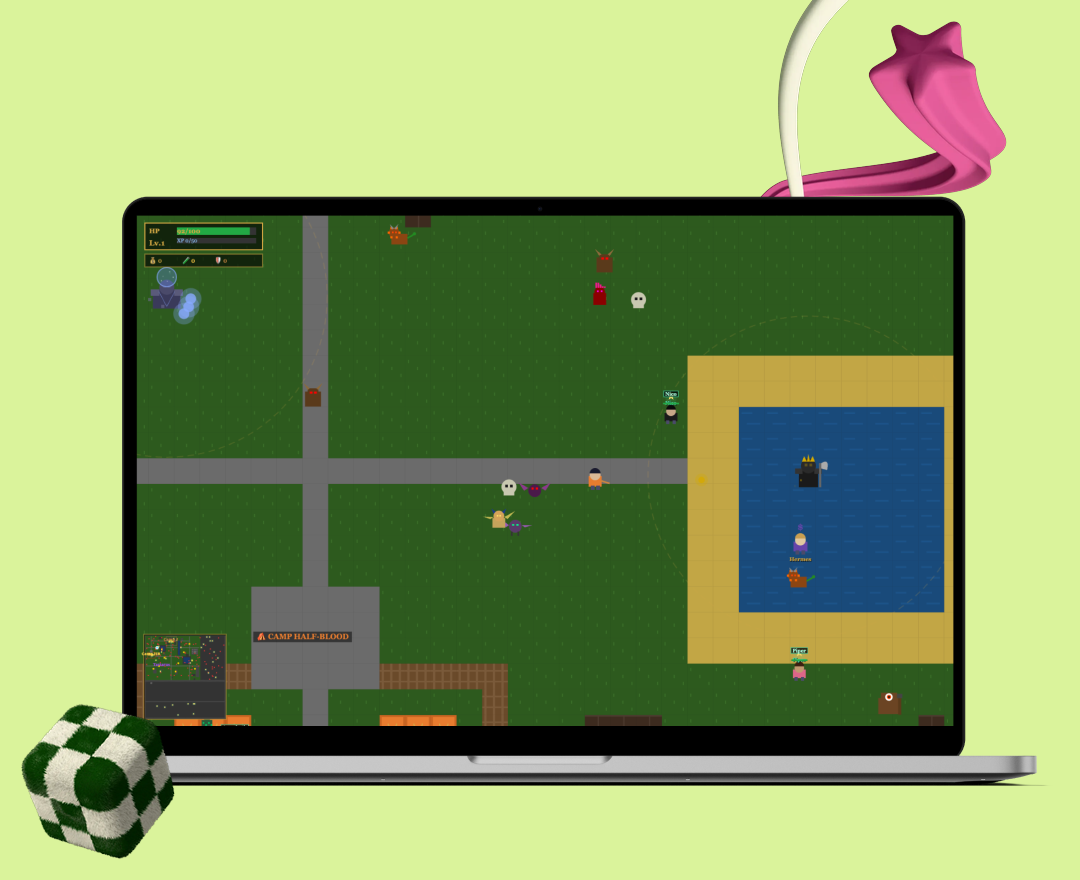
Try some of our favorite student-coded projects made inside the imagi tool.

Free for teachers

Get your free teacher account

Sign up, pick an activity and see what your students build with it. Credits available Now through December 31st 2026.

Sign up now

Frequently asked questions

Still have a question? Email support@imagilabs.com and we’ll help.

What is the Hour of AI?

The Hour of AI grew out of the Hour of Code. It’s a set of one-hour activities, open to complete beginners, that show anyone can learn to code and create with AI. Learn more at hourofai.org.

Do students need to do Build Your First Game first?

It’s recommended, since that lesson covers the basics of prompting and improving an app. Students who are new to AI building can still do this one by starting from the demo prompt and changing one thing at a time. See Build Your First Game.

Who can claim the credits?

Teachers who sign up with a school or organization email, and teachers whose district uses Imagi. If your email isn’t recognized, request verification in the app and we’ll review your school or organization. Personal emails like Gmail or Outlook can’t claim credits or turn on Lovable for students.

How do I get the credits?

Credits are available starting November 16th. Sign up for Imagi with your school email and the 2,500 credits are added to your account. If you already have an account, complete your profile and claim them in the app. Each teacher can claim once. Watch a short video on how to claim them.

How do students get access to Lovable?

You create a classroom in Imagi, add your students and turn on Lovable for the class. Students join with the classroom access code and password you share, so they never need an email. They should only use Lovable through Imagi, not the regular site at lovable.dev.

Is it safe for students?

Imagi is built for COPPA, FERPA and GDPR alignment. Students join through a classroom you create, so we don’t collect their email, date of birth or contact information. Prompts are filtered before they reach the AI, you can review flagged activity in the Safety Monitor, and student data isn’t used to train AI models.

What happens after December 31?

Any credits you haven’t used expire on December 31, 2026. Your account and your students’ published projects stay. From January 1, 2027, teachers with a school email can request 300 free credits to keep running the activity, and we’ll share how to request them before then.

What if Lovable previews won’t load?

Your school network is probably blocking it. Ask your IT team to allow *.imagilabs.com, *.lovable.dev and *.lovable.app, including WebSocket connections on port 443, and test it before class. If it still won’t load, email support@imagilabs.com.

Can tutors, clubs or homeschool families take part?

Tutoring centers, coding clubs and nonprofits can take part with their organization email. If it isn’t recognized yet, request verification in the app and we’ll review it. Personal emails like Gmail or Outlook can’t claim credits or turn on Lovable for students.