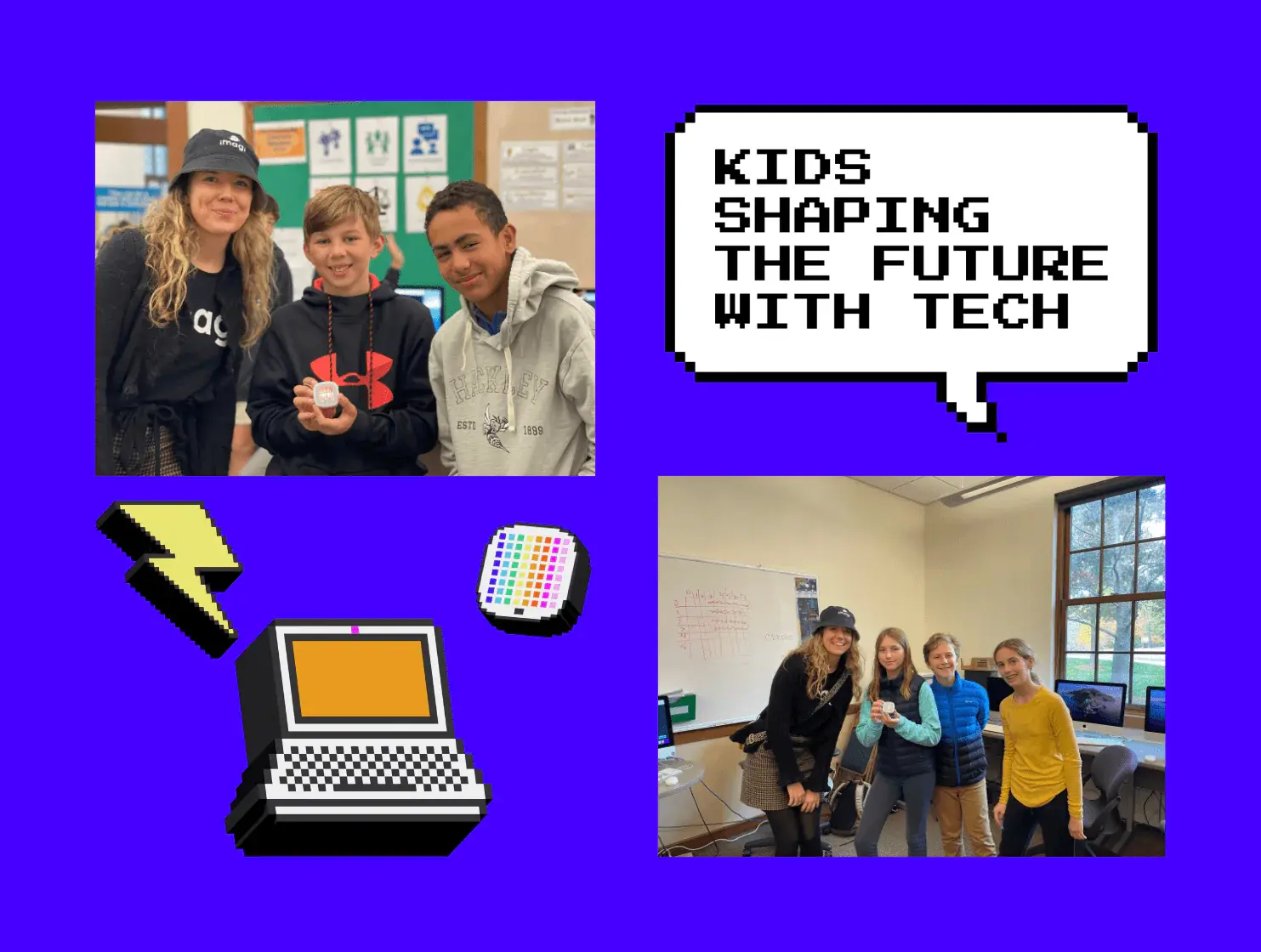
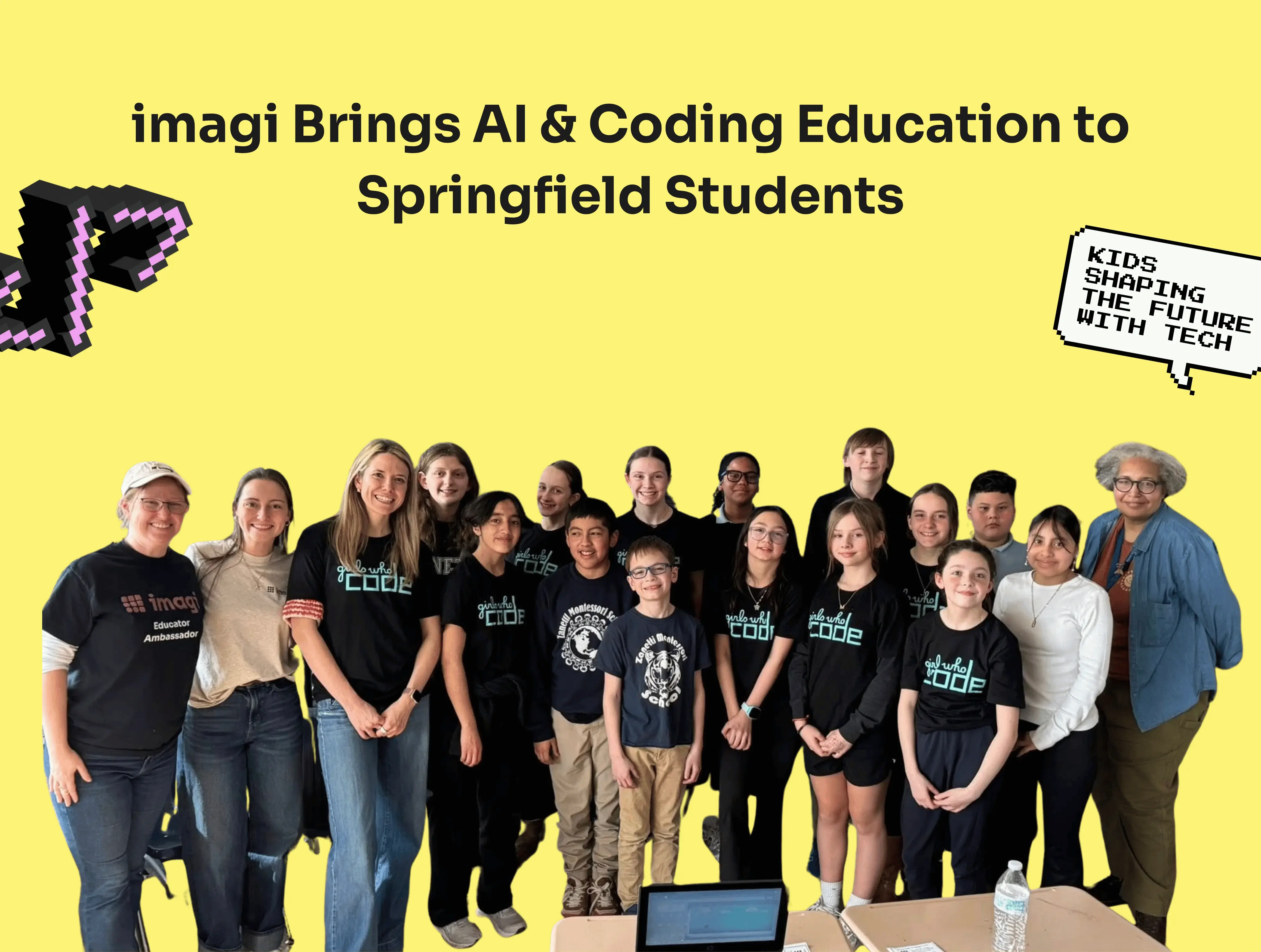
What happens when you give grades 6–12 a challenge, an AI tool, and a few hours to build something that matters to them? At the Code/Art Fest hackathon on April 11th in Miami, Florida, we found out what young creators can do, and it was genuinely impressive.
imagi led a session on creative coding and a hackathon at the event. Students entered the day having never tried vibe coding before and left with fully vibe-coded projects. Here's a look at how it worked, and how you can bring the same experience to your classroom or school.
What is Code/Art?
Code/Art is a non-profit working to increase the number of girls in computer science by centering technology around creativity, art, and social good. Their programs are designed to make coding feel welcoming and relevant, especially for young people who might not initially see themselves in tech. They host an annual event called Code/Art Fest, which imagi attended this April.
Starting with Educators
The day kicked off with a session for teachers focused on creative coding in Python, exploring how coding can be a starting point for computational thinking, creativity, and bringing ideas to life in a meaningful way.
When young people experience coding as a way to create and express rather than a set of rules to memorize, they're far more likely to see themselves as someone who belongs in tech.
The Hackathon Challenge: Build a Game or App with Classroom-safe Vibe Coding
The challenge was to build a game or app that did one of three things: taught a concept they were passionate about, helped a specific audience solve a real problem, or addressed something they saw in their own community. Crucially, they also couldn't recreate something that already exists, which inspired originality from the start.
Before writing a single prompt, each learner had to define their audience and clarify the purpose of their project. That step alone encouraged the use of Design Thinking from the start.
What Is Vibe Coding for Students?
Students built their projects using vibe coding. Students described what they wanted to create in plain language, and the AI generated the code based on their prompt. No prior coding experience required.
What made this work was the combination of creative thinking and iteration, not just the technology itself. Participants followed a structured cycle: write a prompt, test what AI generated, identify what wasn't working or align it with their vision, and refine using another prompt to fix it. Students quickly learned that successful vibe coding depends on critical thinking, clear communication, and thoughtful prompt design, not just the AI tool itself. They were also guided by questions to think about different areas, such as user experience, accessibility, and inclusivity, before finalizing their projects, asking whether their work could be used and understood by people with different needs.
Accounts were generated through imagi Edu and fully managed by the teacher, keeping everything classroom-safe.

What the Superstar Students Have Created with Vibe Coding
Students produced a wide range of projects with different goals, audiences, and levels of complexity. Three winners were selected and announced on stage at the end of the day. Here's what they had to say about what they made and why.
🏆 Project 1: AI Literacy Arcade, by 10th grader Selina
"I built this because as the world technologically advances, I feel AI
literacy is a vital skill to help the citizens of tomorrow engage with AI in a safe and responsible manner."
🏆 Project 2: Money Smart Teen, by 6th grader Sofia
"Most teens aren't taught how to manage money before they're expected to make important financial choices. I wanted to create something that prepares people early, in a way that's engaging and easy to use."
🏆 Project 3: Volleyball Central, by 5th grader Tatiana
"I play volleyball, and I want more people to learn it too."

Why Vibe Coding Works for AI Literacy in Schools
The hackathon showed something important: when young people are building for a real purpose and a real audience, they show up differently, more invested, more thoughtful, and more willing to push their work further.
Using AI as part of the process removed the barrier of syntax and let everyone focus on ideas, communication, and design thinking. It also made the experience more accessible for learners at very different skill levels, all working toward the same goal. 
Try This AI Coding Activity With Your Class
You can recreate a similar journey for your students by exploring the tools and materials available within imagi Edu, with ready-made teacher slides, a lesson plan, and classroom-safe logins built in. You'll also find Creative Coding with Python activities if you want to take learners deeper into coding fundamentals.
👉 Explore classroom-safe vibe coding activities, AI literacy lessons, and creative coding projects in imagi Edu.